


Okos Wireless Video Doorbell with 7-Inch Indoor Touchscreen
Couldn't load pickup availability


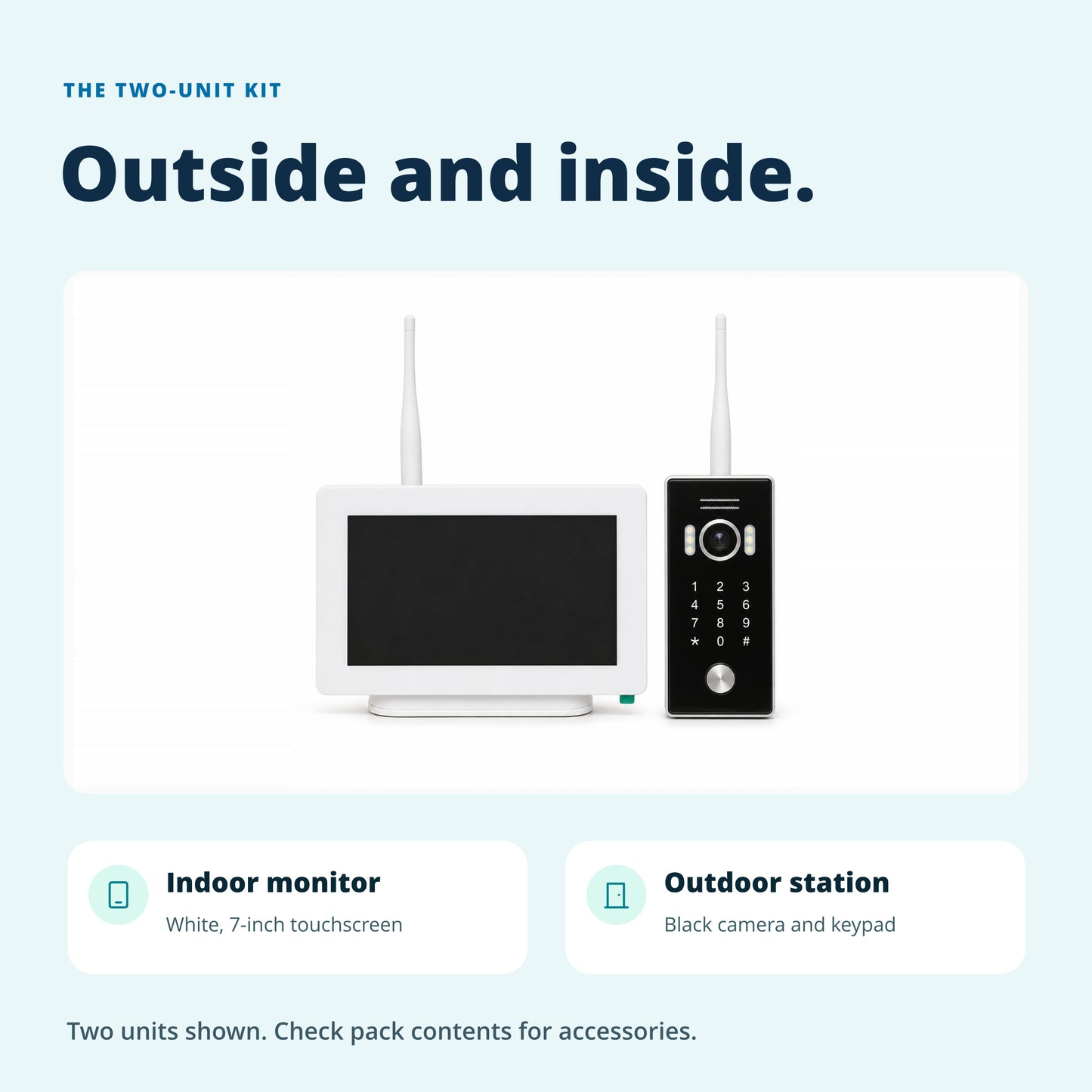

See who’s at the door
See visitors on a dedicated 7-inch indoor touchscreen. The Okos Wireless Video Doorbell combines an outdoor camera station with a white indoor monitor.

No cable between the two units
The outdoor camera and indoor display communicate wirelessly, so there is no four-core intercom or Ethernet cable to route between them. Wireless describes the link between the devices; both units still need power.

At the entrance
Visitors press the round call button below the numeric keypad. The black outdoor camera station has silver trim and an upright antenna.

A 7-inch view from indoors
View the entrance on the dedicated indoor touchscreen. Place the monitor where it is convenient to see visitors. Screen content and installation scenes are illustrative.

Plan power and test the link
Choose both locations, check the power requirements for each unit and test the wireless connection before final mounting. Walls, layout and building materials can affect coverage.
At a glance
- 7-inch indoor touchscreen
- Wireless link between outdoor station and indoor monitor
- No four-core or Ethernet interconnect cable
- Outdoor camera, numeric keypad and round call button
- White indoor monitor with black outdoor station
Frequently asked questions
Is the entire system cable-free?
No interconnect cable runs between the two units. Plan suitable power for each device separately.
Where can I view visitors?
On the dedicated 7-inch indoor touchscreen.
What is included?
The two-unit kit comprises an outdoor camera station and an indoor monitor. Check the accessories supplied with the exact retail pack before installation.
Will it work in my home?
Test the wireless connection from the intended mounting positions before final fitting. Confirm power requirements and installation suitability for your location.
Coming soon