
Skip to content
Skip to product information
1 of 5

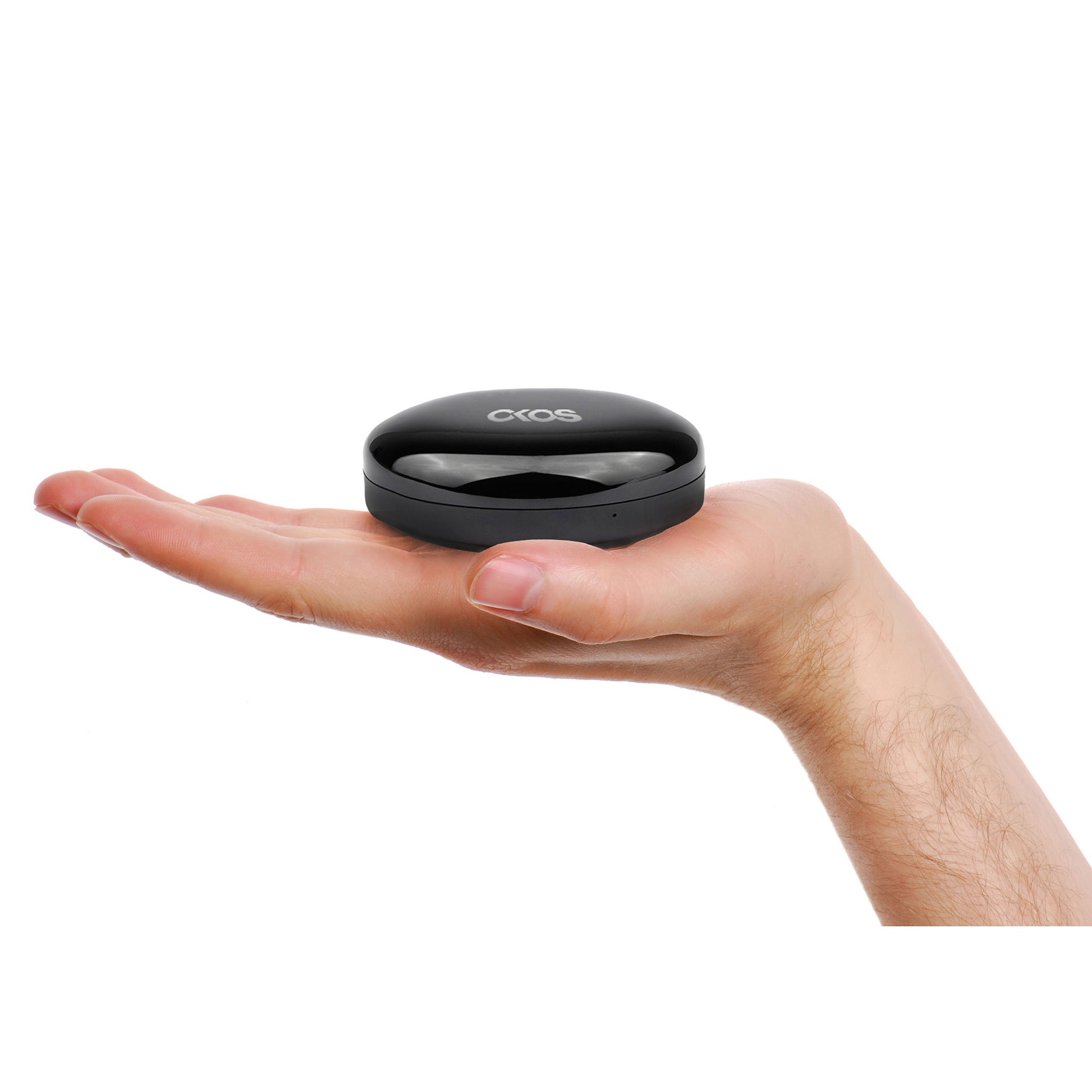
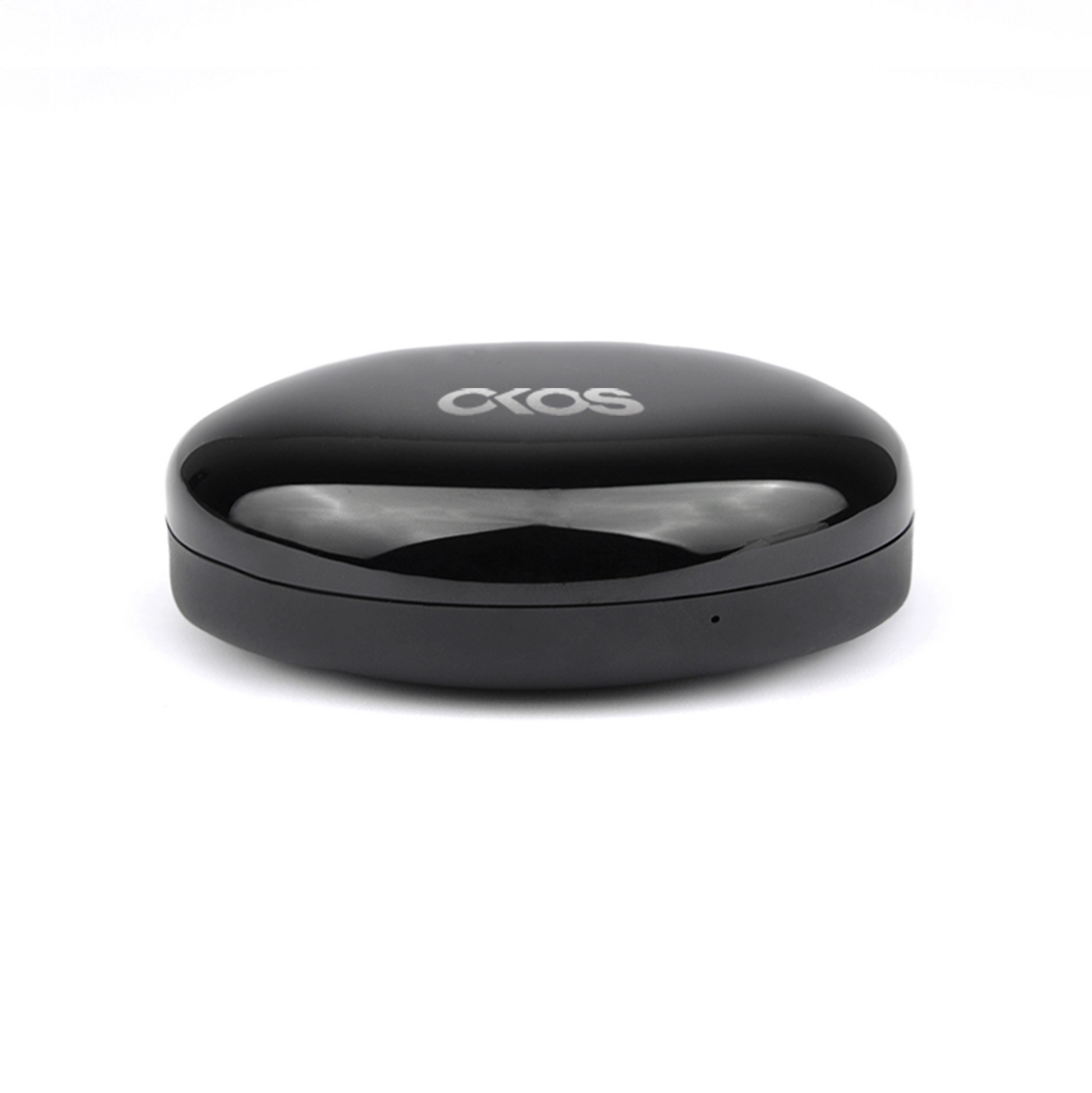
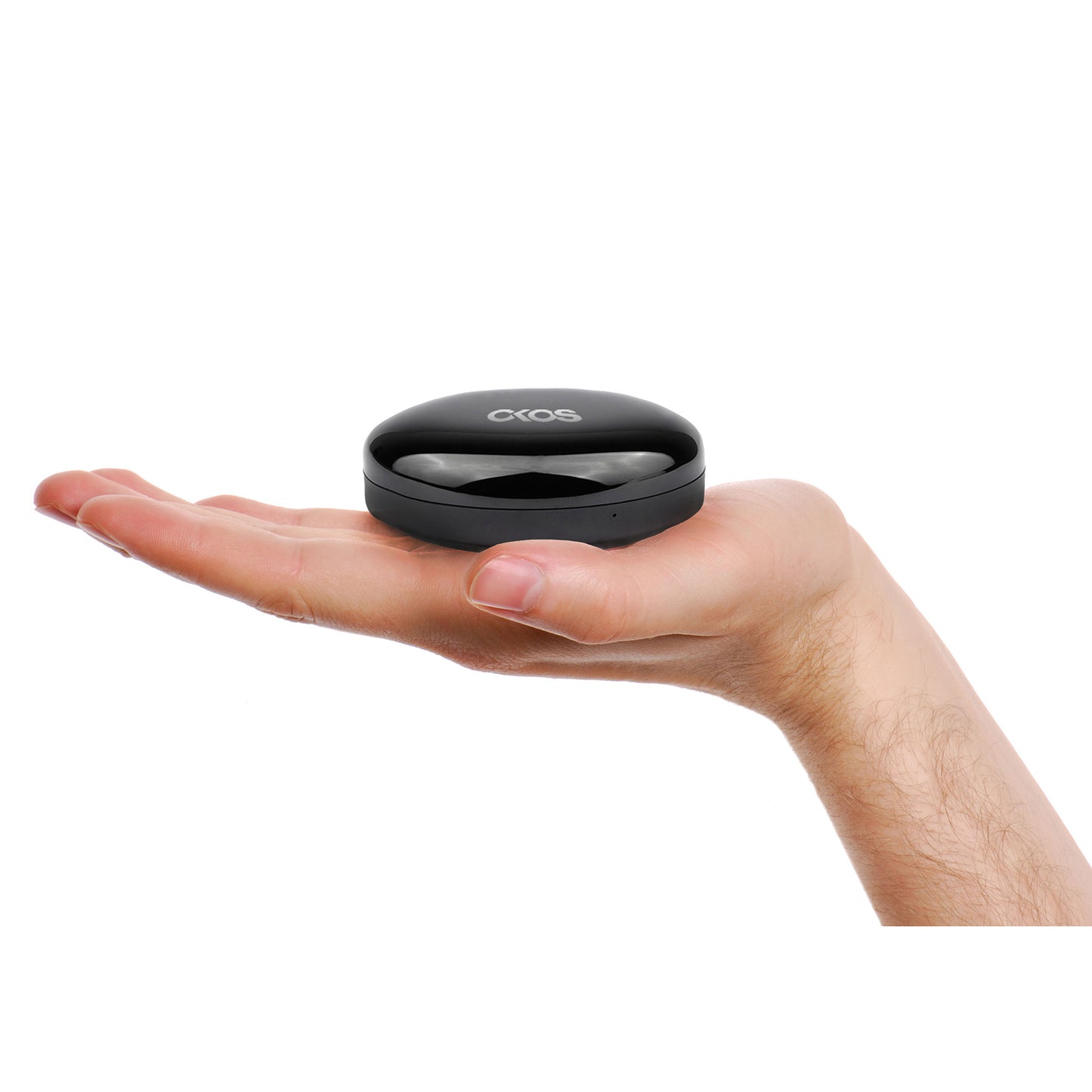
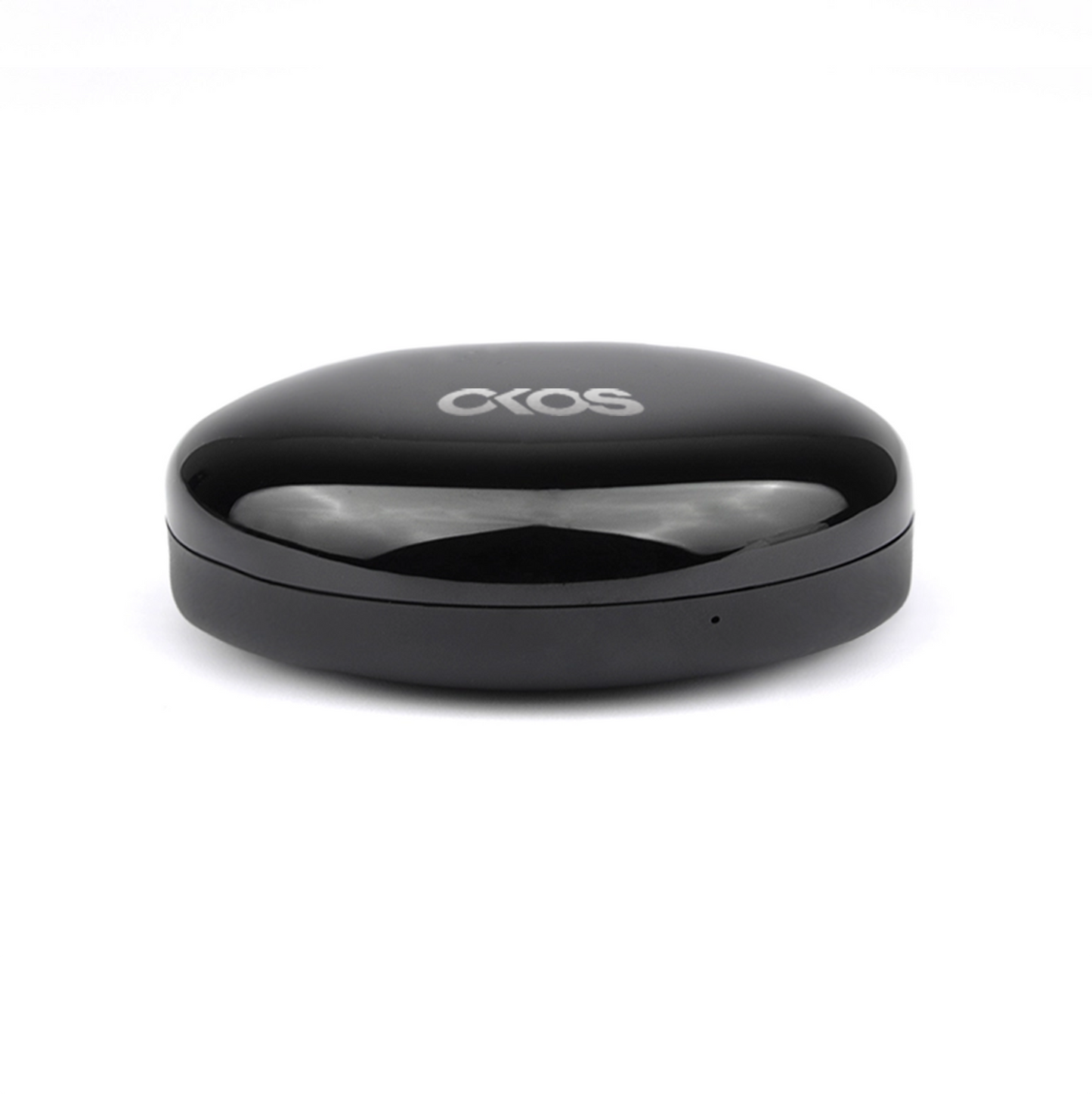
Smart Universal Remote Controller (W/Built-in Temperature & Humidity Sensor)

Regular price ₹ 1,799.00
Regular price ₹ 3,000.00 Sale price ₹ 1,799.00
Sale Sold out
Buy Smart Universal Remote Controller - control all IR devices from one app, voice-compatible, compact and easy to set up.

Save more with a package

Save upto 40% when you buy a package instead of individual products

Universal IR remote controller with temperature and humidity sensor.

What is it?

It is a universal IR Remote - Made of an array of 6 IR sensors to provide 360 degree coverage. Can be placed anywhere in the room and you can use it to control all devices in its line of sight. No more hassle of managing multiple remotes for devices like- TV, Air Conditioners, Set Top Box, Home Theatres, etc. If your device comes with an IR remote, this device can control it!
How to use it?

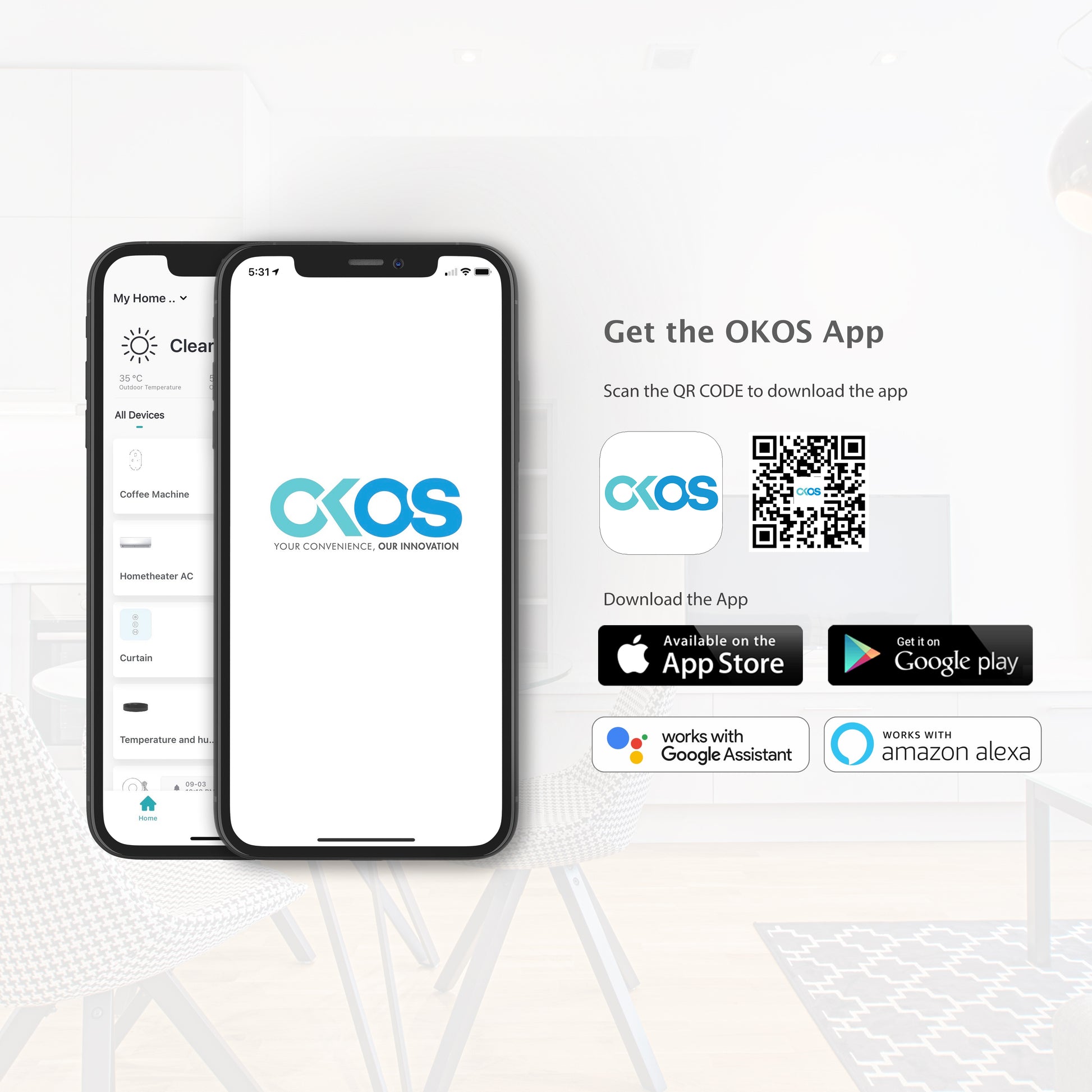
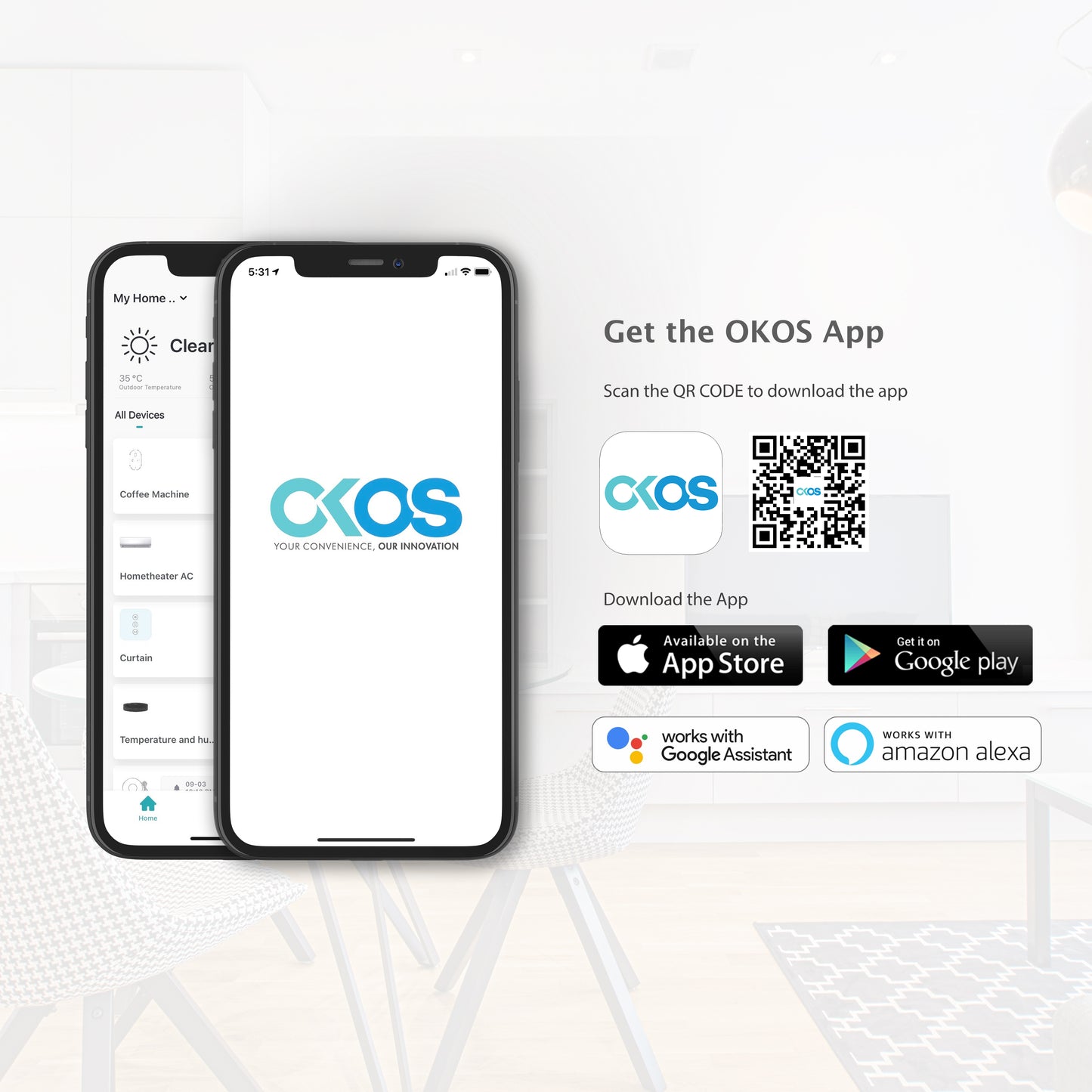
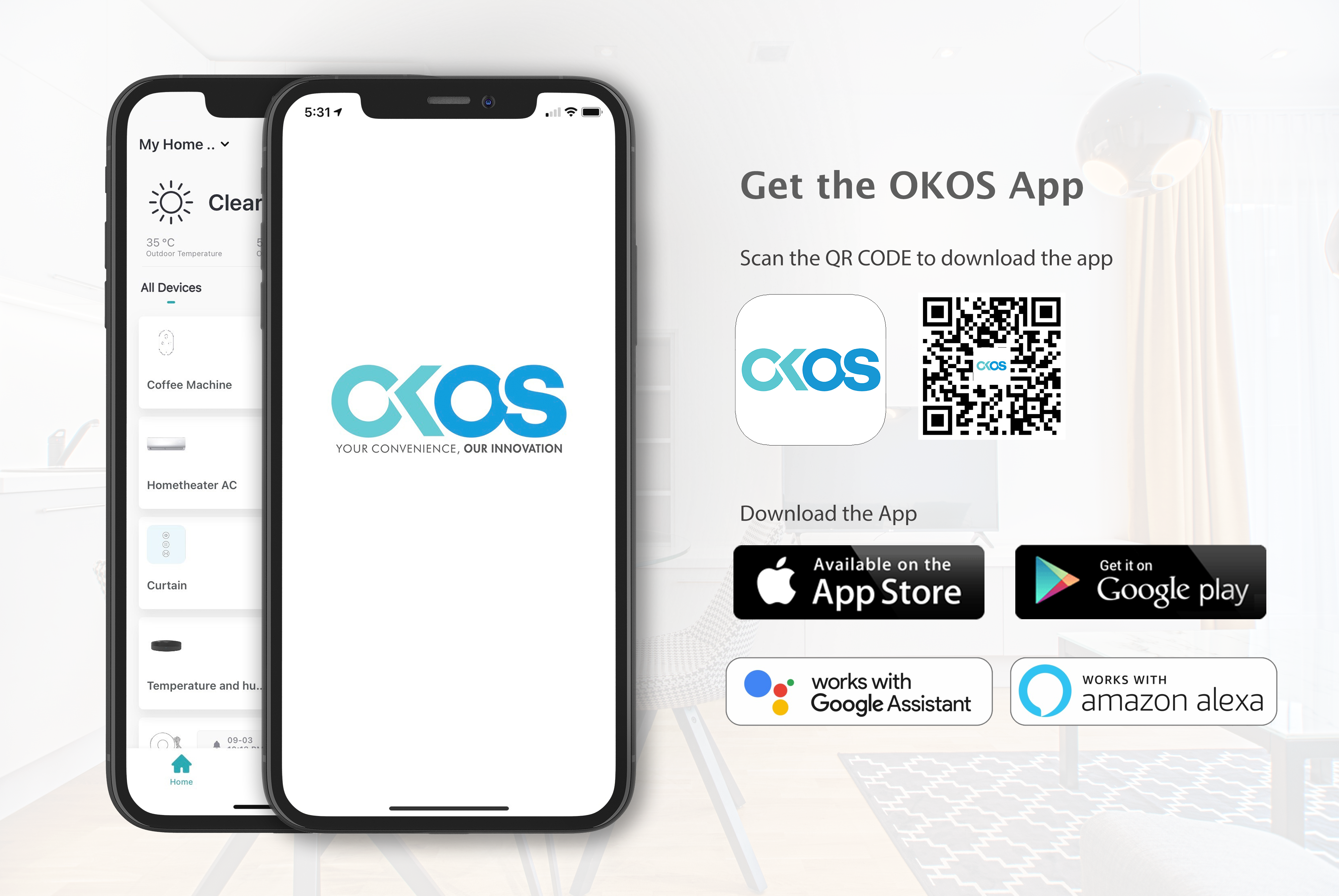
The device works with Type-C cable, operates over 2.4Ghz Wi-Fi network and can be accessed via the Okos Smart mobile app (Available on Android & iOS), You can also voice control your devices hands-free using Amazon Alexa or Google Home devices.

What's more?

Our universal remote comes with temperature and humidity sensors inside, giving it the ability to take real time temperature and humidity readings of your room. You can also set routines to turn on/off your AC or Fans based on the temperature of the room or even set it to turn the temperature up when it gets too cold in the middle of the night, all without even needing to lift a finger.
So, get the convenience of smart home, help save energy with automation settings and get uninterrupted comfort.

Geo-fencing support

Okos Smart app brings Geo Fencing for the first time in India, Set routines based on your location entering or leaving a preset Geo-Fence so that events are triggered based on your location detected by the app. Example: A Geo-fence around your apartment can trigger the bedroom AC to turn on when you reach near your house so that you enter the house with a comfortable temperature already set in your bedroom.

Hassle-free setup

  • Device comes pre-configured for most brands' appliances.
  • Inclusive brands: Samsung, LG, Panasonic, TataSky, Voltas, Haier, Airtel STB, Dish Tv, Sony and many more.
  • Can always use the DIY option to configure your own remote.

1 year warranty against any manufacturing defects.

FAQs

Which appliances can I control with the OKOS Smart Universal Remote Controller?

The controller can operate most IR (infrared) remote-controlled appliances, including air conditioners, televisions, set-top boxes, projectors, fans, and audio systems.

Can I control my appliances remotely using the OKOS Smart App?

Yes. Once connected to Wi-Fi and paired with the OKOS Smart App, you can control compatible IR appliances from anywhere with an internet connection.

Can the built-in temperature and humidity sensor be viewed in the app?

Yes. The OKOS Smart App displays real-time temperature and humidity readings from the built-in sensor.

Can the temperature and humidity sensor trigger automation?

Yes. You can create automation routines based on temperature or humidity, such as automatically turning on an air conditioner, fan, or humidifier when preset conditions are met.

Can one Universal Remote Controller control multiple appliances?

Yes. A single controller can be configured to operate multiple compatible IR appliances located within its infrared transmission range.

What should I do if my appliance remote is not listed in the app?

Try selecting a compatible remote from the built-in library. If it is not available, use the IR learning function to copy commands from the original remote, if supported.

What happens if the Wi-Fi or internet connection is lost?

The Universal Remote Controller will not be able to receive commands from the OKOS Smart App. Remote control and cloud-based automation will resume once the internet connection is restored.

Why are the temperature or humidity readings incorrect?

Ensure the controller is installed away from direct sunlight, air conditioners, heaters, or other heat sources. Allow a few minutes for the readings to stabilize after installation.

How do I reset the Smart Universal Remote Controller?

Press and hold the Reset button for approximately 5–10 seconds until the indicator LED starts blinking. The device will enter pairing mode and can then be added again through the OKOS Smart App.

Your cart is empty

Continue shopping