


OKOS Smart TV Sync Box — HDMI-Synced Multicolour Backlighting
Couldn't load pickup availability


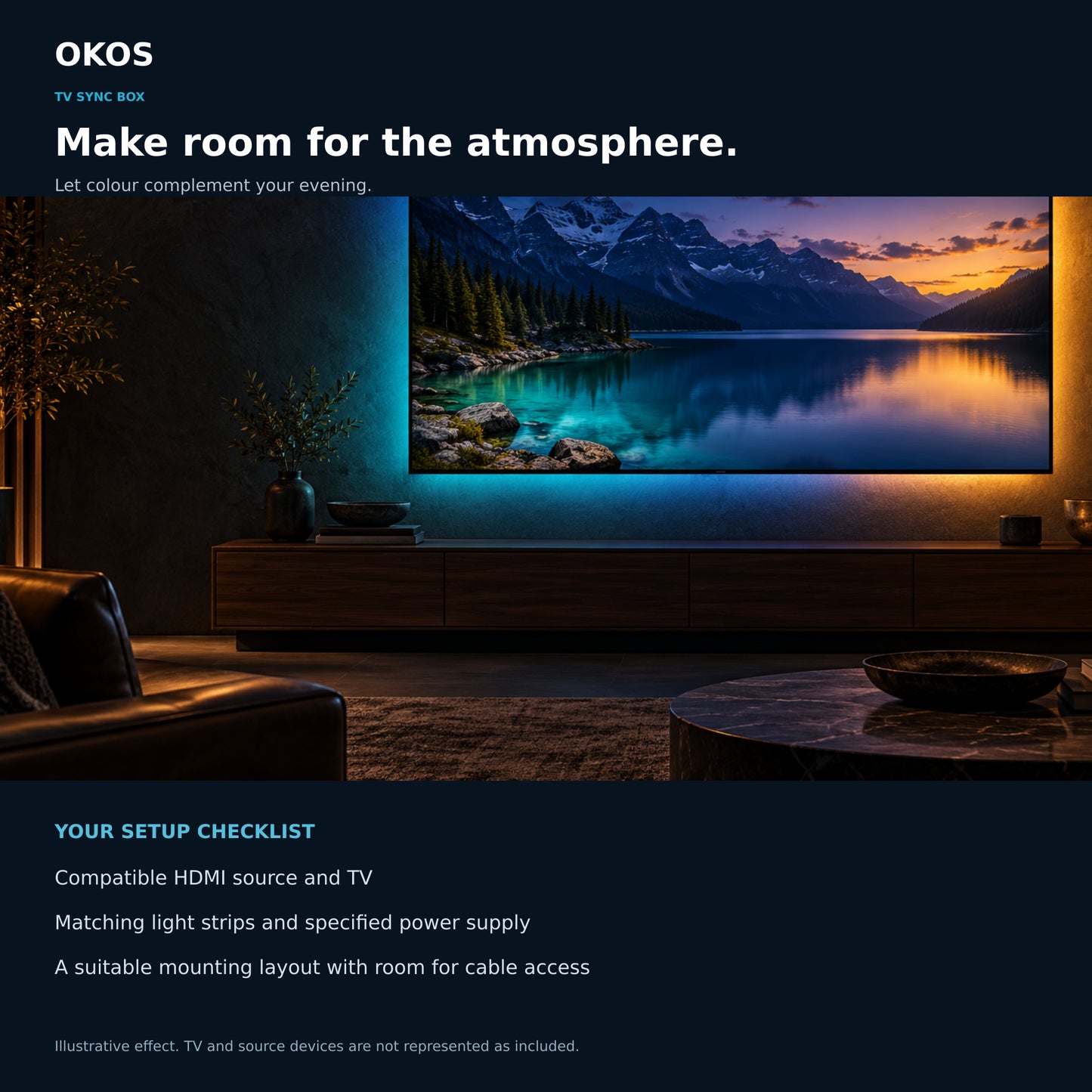

Bring the picture beyond the screen
Extend the atmosphere of your entertainment into the room with screen-reactive multicolour lighting from a compatible external HDMI source.

One clear HDMI path
External HDMI source → sync box → TV. Screen sync needs video to pass through the box.

Dedicated light outputs
SIDE and BOTTOM outputs connect to the matching LED strips. They are not general-purpose USB ports.

More ways to set the mood
Switch from screen-reactive lighting to music-reactive lighting using the built-in microphone. App control uses a 2.4 GHz Wi-Fi setup.

The source makes the difference
Apps running inside the TV do not send video through this box. For screen sync, use a compatible external HDMI player and route its picture through the sync box.
Lifestyle images illustrate the lighting effect. Supported resolution, refresh rate and video formats must be confirmed for the exact source and TV before purchase.
Build the right setup
Before choosing your kit, check three things: the supported video format of your source and TV, the physical fit of the selected LED strip configuration, and the supplied kit contents. Use the matching LED strips and specified power supply. Lifestyle images illustrate the effect; the TV and source device are not represented as included.
Connection details
| Product type | HDMI screen-sync LED backlight controller |
|---|---|
| Video connection | 1 HDMI INPUT and 1 HDMI OUTPUT |
| LED connections | Dedicated SIDE and BOTTOM strip outputs |
| Power connection | DC power input; use the specified supply |
| Audio input for music-reactive lighting | Built-in microphone |
| Front status indicators | Power, Mode, Wi-Fi |
| Rear control | Reset |
| Wireless connectivity | 2.4 GHz Wi-Fi |
| Screen-sync requirement | Compatible external HDMI source routed through the box |
| TV built-in apps | Not supported for screen-sync operation through this box |
Illustrations: The TV and external video-source device shown are demonstration equipment and are not included.
LED-strip and kit questions
Will any replacement LED strip work?
Do not assume universal strip compatibility. Use the matching strip configuration and connector arrangement specified for this sync box; check replacement-strip compatibility before connecting it.
How do I choose the right TV size or strip kit?
Check both the physical TV-back dimensions and the strip kit supplied for this listing. A TV diagonal alone does not confirm strip coverage. Confirm the exact kit fit before ordering.
Are the TV and video-source device included?
The TV and external video-source device shown in lifestyle or connection illustrations are demonstration equipment, not represented as included. Confirm the supplied sync-box kit and accessories separately.
1 year warranty against any manufacturing defects.
FAQs
How does the screen-sync connection work?
Connect a compatible external HDMI source to HDMI INPUT on the sync box, then connect HDMI OUTPUT to the TV. Connect the matching LED strips to their labelled SIDE and BOTTOM outputs and use the specified power supply.
Will it sync with Netflix or other apps built into my TV?
No. Screen sync requires the video signal to pass through the HDMI sync box. Apps running inside the TV do not send their picture through that path. Use a compatible external HDMI player for the content you want to sync.
Is this a camera-based TV lighting system?
This is an HDMI input/output sync system, not a camera-based system.
Can I connect a streaming player, set-top box, console or computer?
An external HDMI device can be placed in the signal path, provided its output format is supported by this specific sync box and the TV. Confirm the required resolution, refresh rate and video format before choosing the setup.
Does it support 4K at 120 Hz, HDR, Dolby Vision or VRR?
Those formats are not confirmed for this specific listing. Do not assume support from the HDMI connector shape or from specifications of another sync-box model. Verify the exact supported formats before ordering for a demanding video or gaming setup.
What are the SIDE and BOTTOM ports for?
They are dedicated connections for the matching side and bottom LED strips. Their connector shape does not make them general-purpose USB accessory or charging ports.
Does it have a music-reactive mode?
Yes. The built-in microphone supports music-reactive lighting. Screen-sync and music modes use different inputs.
What do the front indicators show?
The front indicators are labelled Power, Mode and Wi-Fi. A reset control is shown on the rear of the box.
Which Wi-Fi band does it use?
The product listing specifies 2.4 GHz Wi-Fi. Follow the supplied setup instructions for the exact app and pairing process for your unit.