
Skip to content
Skip to product information
1 of 12

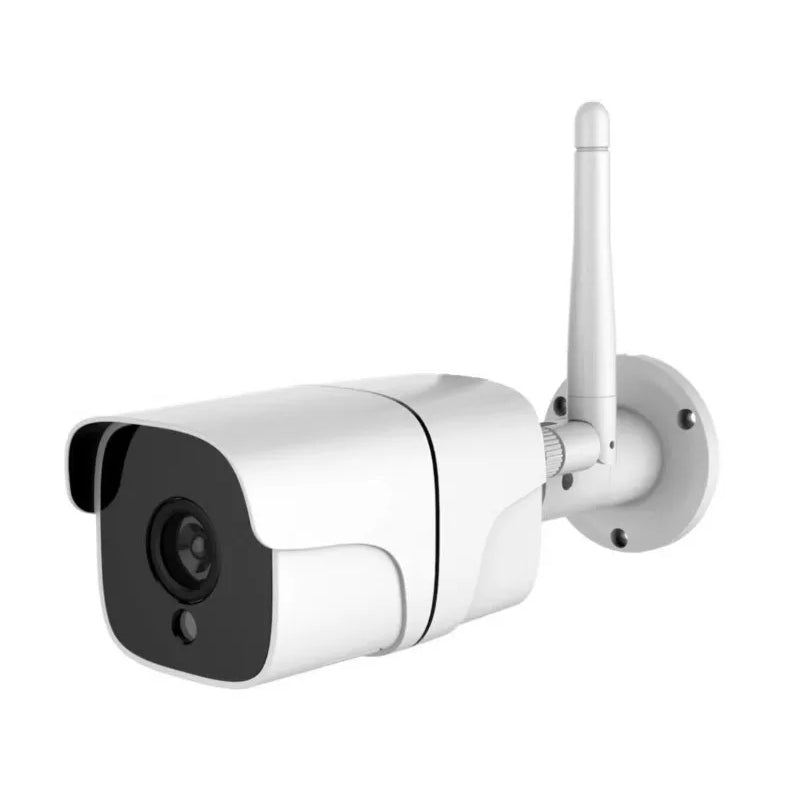
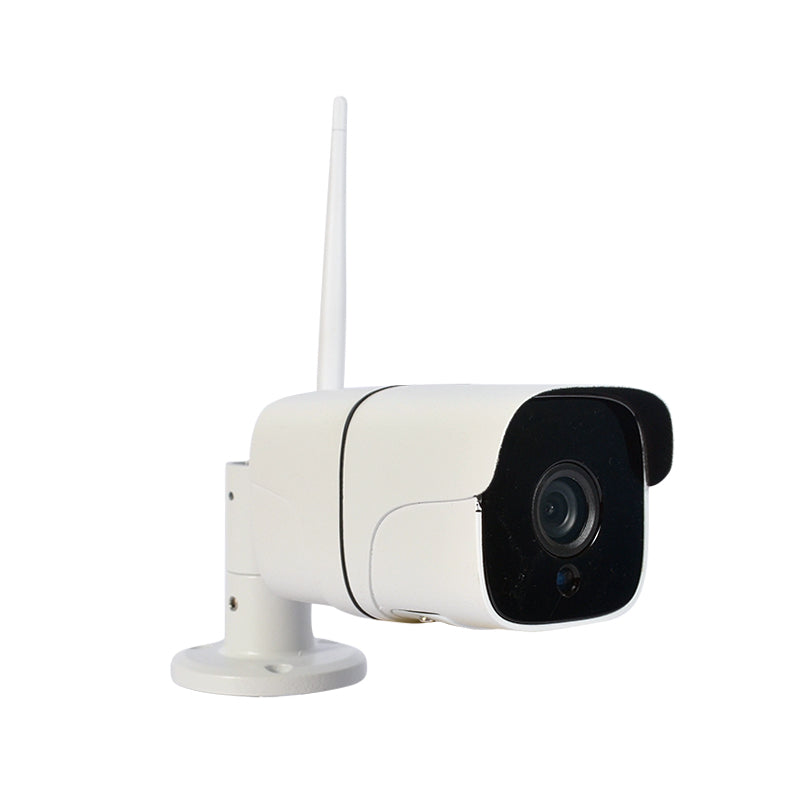
Smart Bullet Security Camera

Regular price ₹ 3,299.00
Regular price ₹ 3,999.00 Sale price ₹ 3,299.00
Sale Sold out
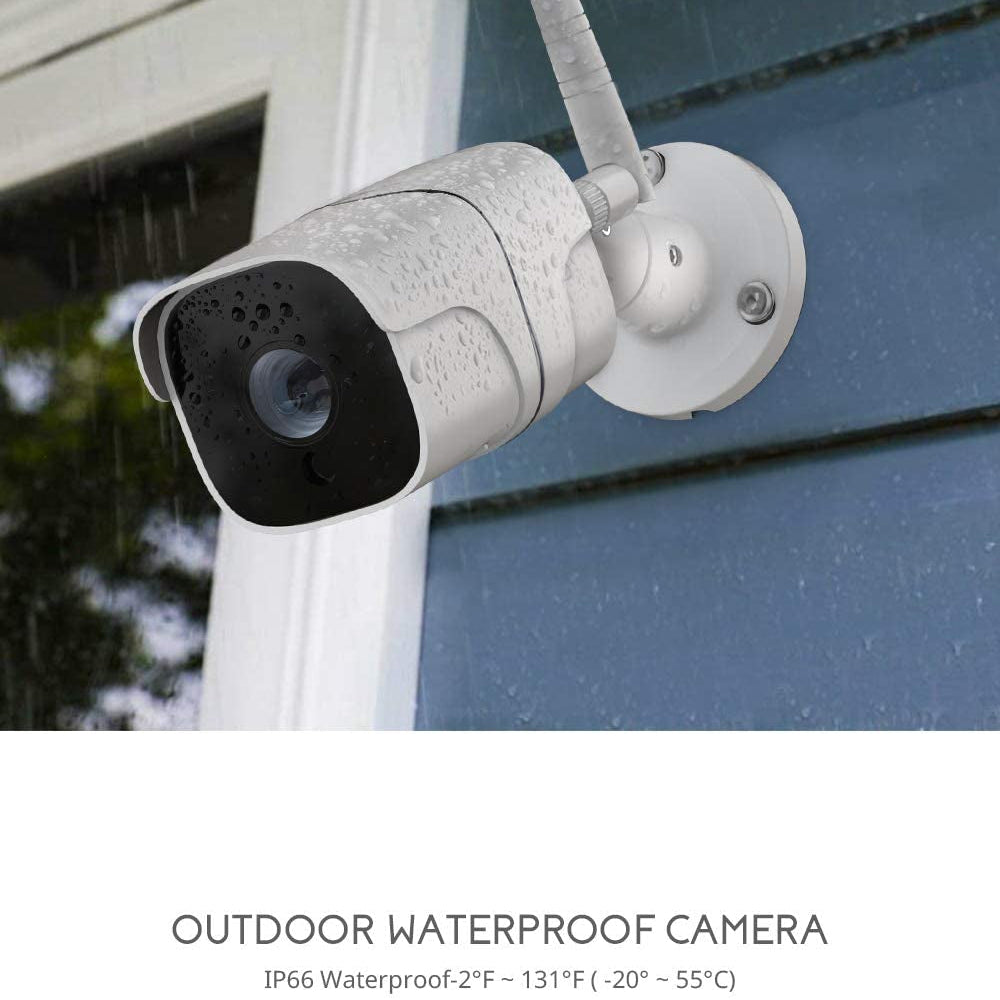
Buy Smart Bullet Security Camera with Wi-Fi & Ethernet support – outdoor-ready, HD vision, and live feed via mobile app.

Save more with a package

Save upto 40% when you buy a package instead of individual products


Provides Total Coverage

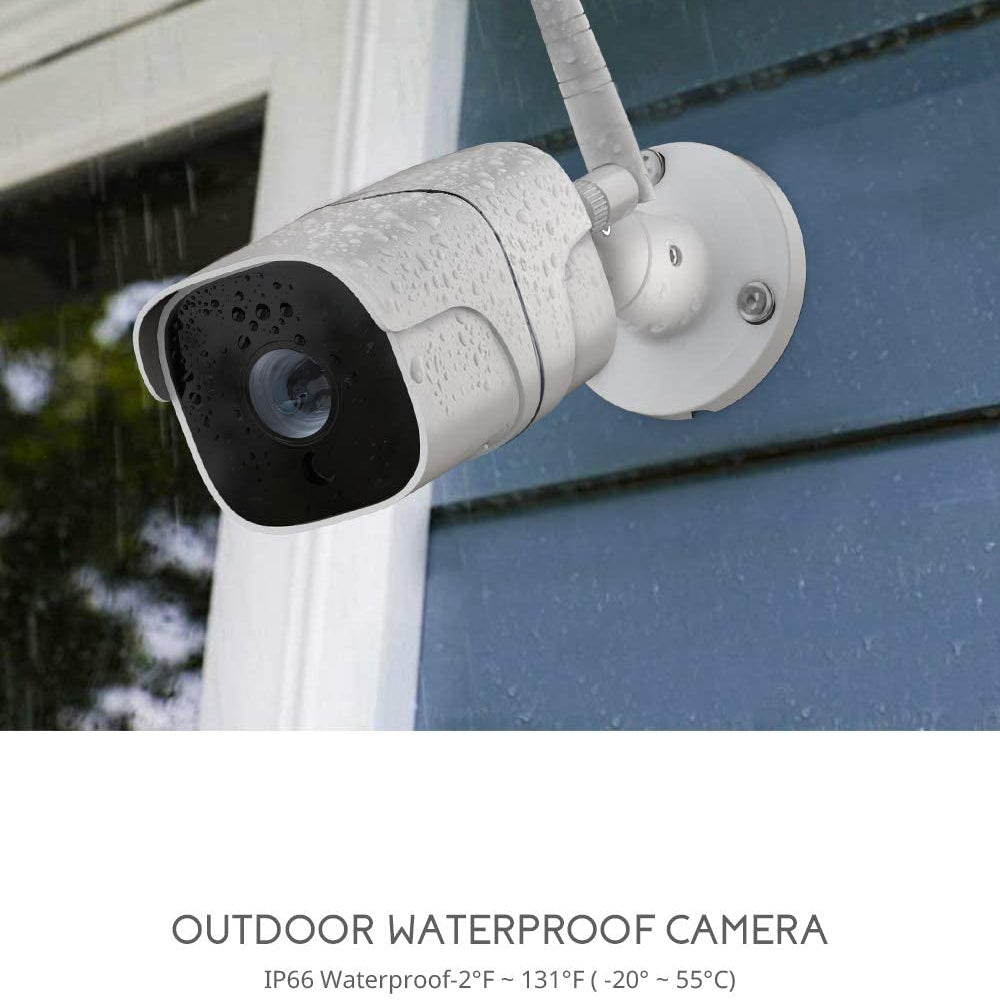
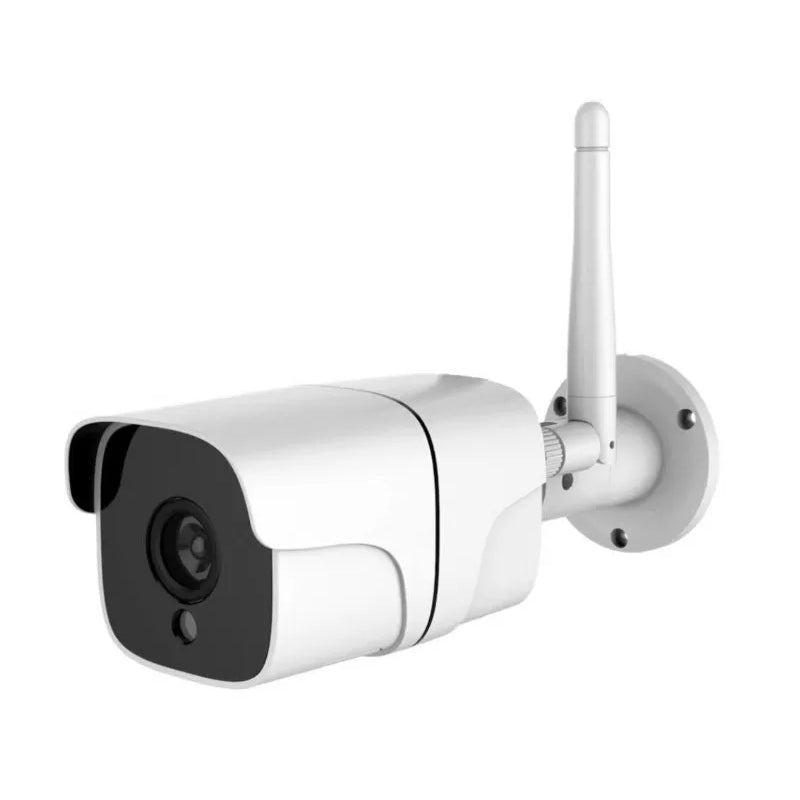
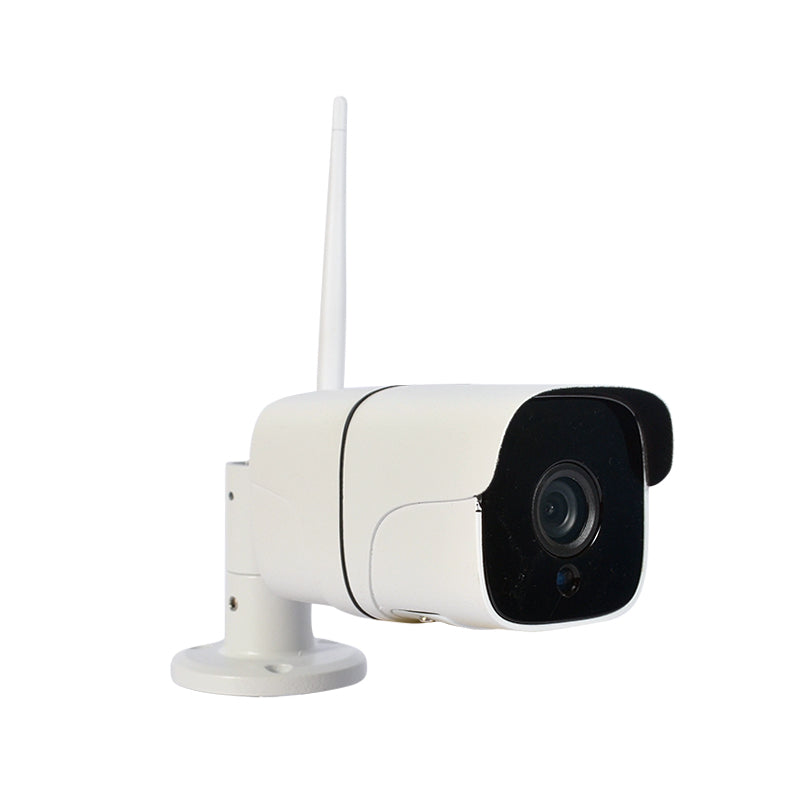
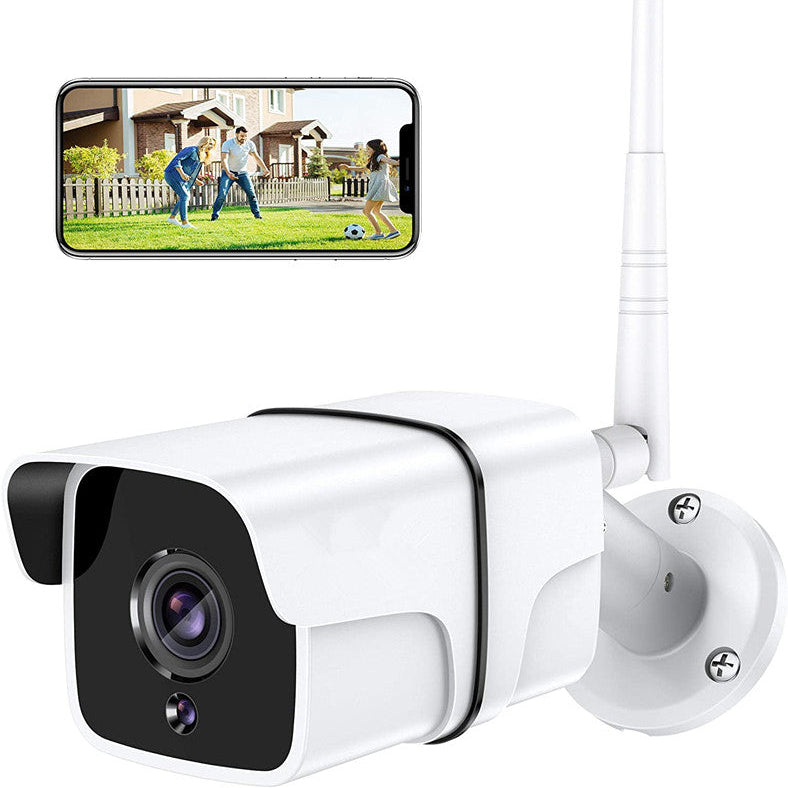
  • The Okos Bullet Security Camera (Wi-Fi + Ethernet) features a full-HD 1080p camera providing a crystal clear live video feed. The camera supports motion detection.
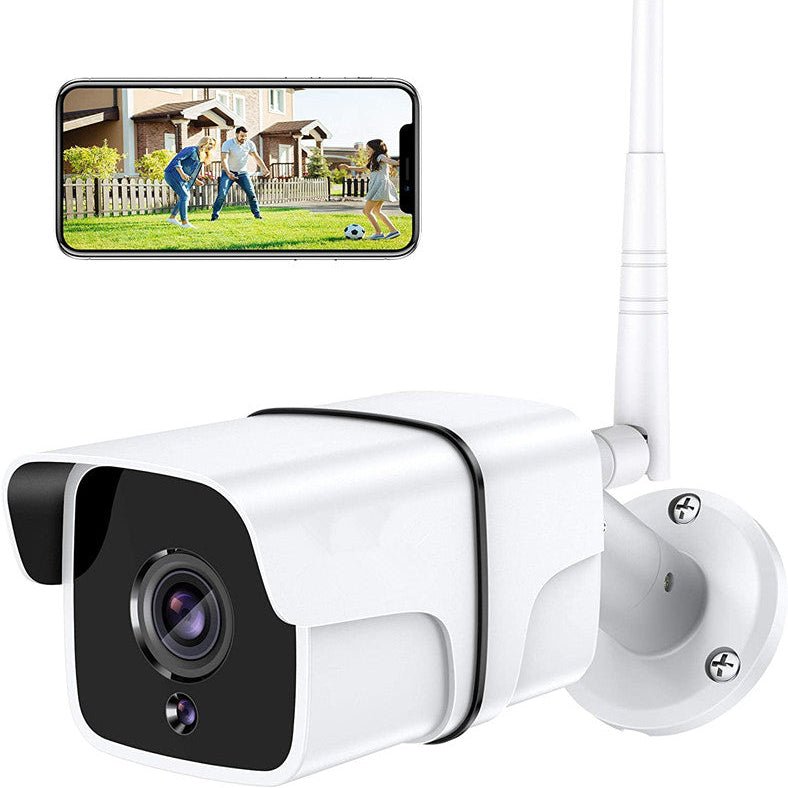
  • Using the Okos Smart App you can access the camera directly from your phone, anywhere in the world. In addition, the Okos Bullet Security Camera features infrared (IR) night-vision capabilities, providing a clear view in any conditions.

More Than Just A Camera

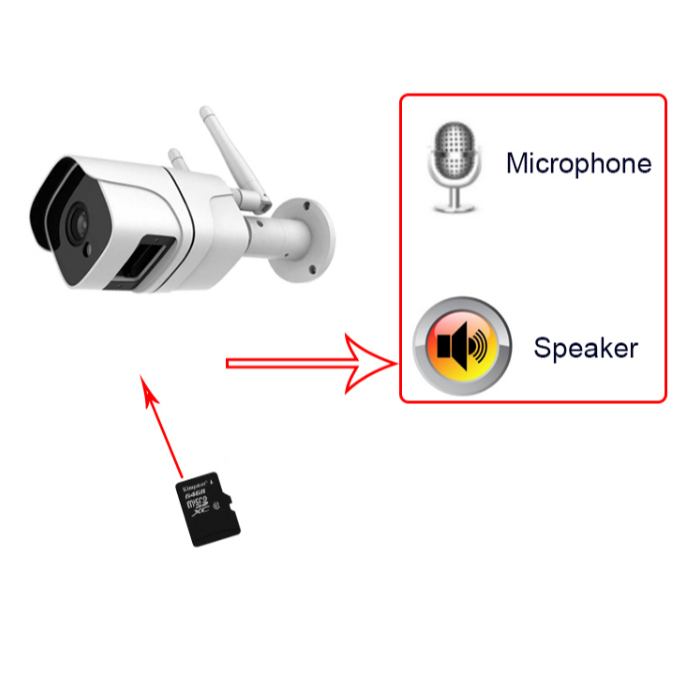
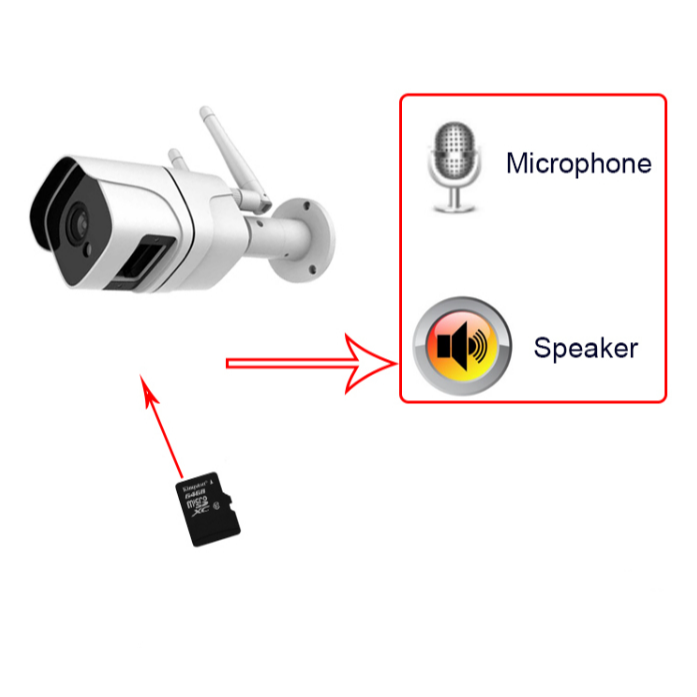
  • Guests arrive early? Pet home alone? The Okos Bullet Security Camera comes equipped with full two-way audio support. Built-in speakers and microphone guarantee pitch-perfect audio on both ends.
  • Using the Okos Smart App you can not only watch, but actually talk to, anyone on the other end -- in real time -- directly from your phone.

24-Hour Peace of Mind

Get alerts about your property – no matter when or where. Using the Okos Smart App it is possible to receive notifications directly to your iOS/Android phone whenever the camera detects movement allowing you to view a live feed straight from your phone.This, combined with the Okos Bullet Security Camera’s 1080p Digital Zoom view and infrared (IR) night-vision provides you with full coverage – day or night.

Smart Security

  • The Okos Bullet Security Camera supports integration with all iOS/Android devices as well as several Amazon Alexa, Google Home, and IFTTT enabled home devices. This allows you to fully integrate your home security into the rest of your smart home devices.
  • The camera features motion tracking capabilities, automatically following any movement.
  • The Camera allows for both microSD storage (up to 128 GB) as well as direct cloud storage (optional), providing instant digital backups of any activity. The Camera supports multiple devices and accounts, allowing for easy sharing.

Easy Installation

  • The Okos Bullet Security Camera can be installed with just three easy steps.
  • It easily and securely attaches to any flat surface at any angle.
  • Simply plug the camera in to any external power source (12v 1A) or Power via Ethernet Cable and it will automatically turn on.
  • The camera easily connects to any 2.4 GHz Wi-Fi network via the Okos Smart App and your device will automatically connect to the camera for instant streaming.

1 year warranty against any manufacturing defects.

FAQs

Can I view the Bullet Camera remotely using the OKOS Smart App?

Yes. Once connected to Wi-Fi and paired with the OKOS Smart App, you can view live video, receive notifications, and monitor your property from anywhere with an internet connection.

Does the Bullet Camera support night vision?

Yes. The camera is equipped with night vision, allowing it to capture clear video even in low-light and nighttime conditions.

Does the Bullet Camera support motion detection?

Yes. The camera can detect motion and send instant notifications to the OKOS Smart App when movement is detected.

Does the Bullet Camera support local storage?

Yes. The camera supports local recording using a compatible microSD card. Refer to the product specifications for the maximum supported storage capacity.

Can multiple users view the same Bullet Camera?

Yes. Camera access can be shared with multiple authorized users through the OKOS Smart App, depending on the sharing permissions.

What happens if the Wi-Fi or internet connection is lost?

The camera will stop remote streaming and sending app notifications. If local recording is enabled with a memory card, it can continue recording based on its configured recording mode.

What should I do if the Bullet Camera is showing offline?

Check that the camera has power, the Wi-Fi network is working, and the router is within range. If the issue persists, restart the camera and pair it again if necessary.

Can I talk to visitors through the Bullet Camera?

If the camera model supports two-way audio, you can communicate with people near the camera directly through the OKOS Smart App.

How do I reset the Bullet Camera?

Press and hold the Reset button for approximately 5–10 seconds until the camera enters pairing mode. Then add the camera again through the OKOS Smart App following the on-screen instructions.

Your cart is empty

Continue shopping