
Skip to content
Skip to product information
1 of 9

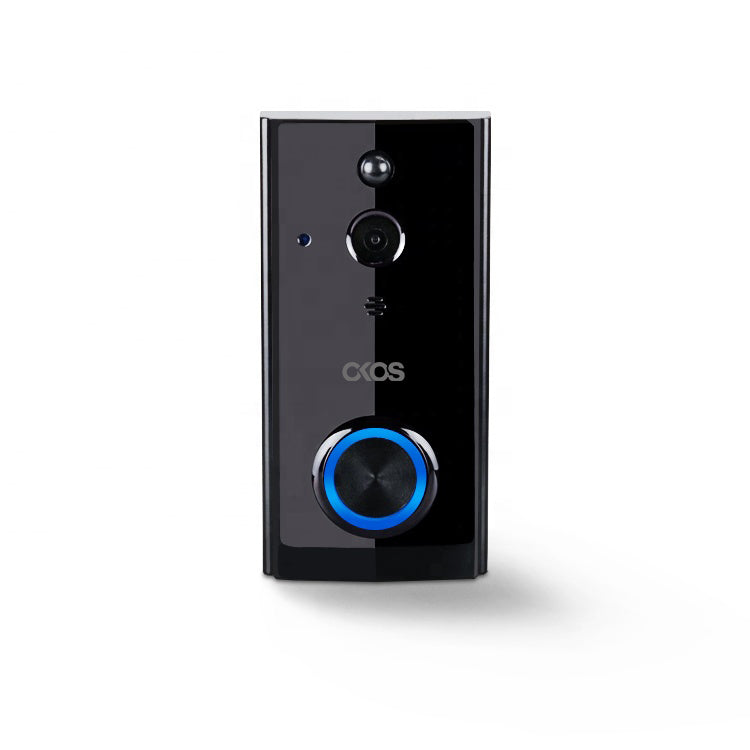
Smart Video Doorbell

Regular price ₹ 8,500.00
Regular price ₹ 11,999.00 Sale price ₹ 8,500.00
Sale Sold out
Buy Smart Video Doorbell for real-time alerts and two-way talk. Monitor your doorstep anytime, from anywhere via app.

Save more with a package

Save upto 40% when you buy a package instead of individual products


Easy to install

  • Okos smart doorbell has an easy installation process with a Weather and vandal proof unit and a trouble free operating procedure.
  • Works with Okos Smart app (both android and iOS compatible.
  • Long battery life. One charge lasts upto 6 months of service.
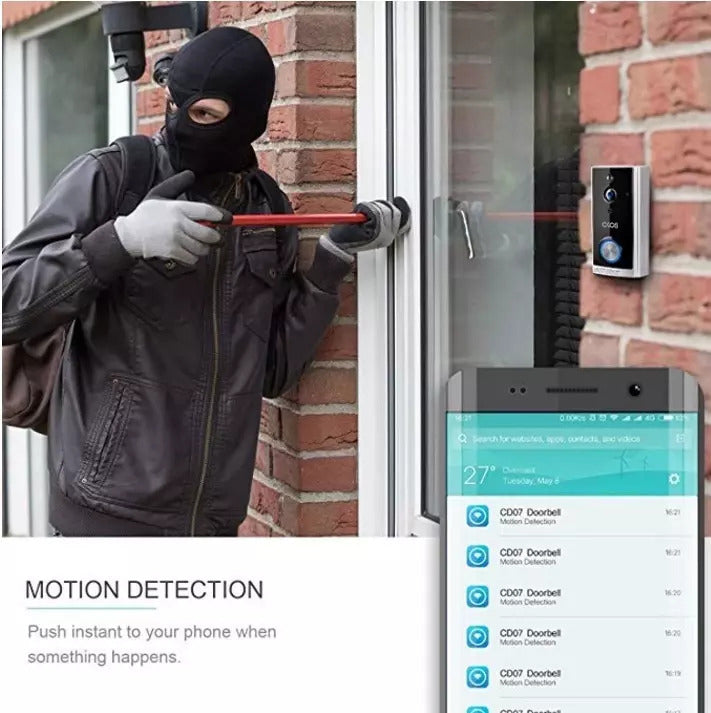
A 24x7 security guard

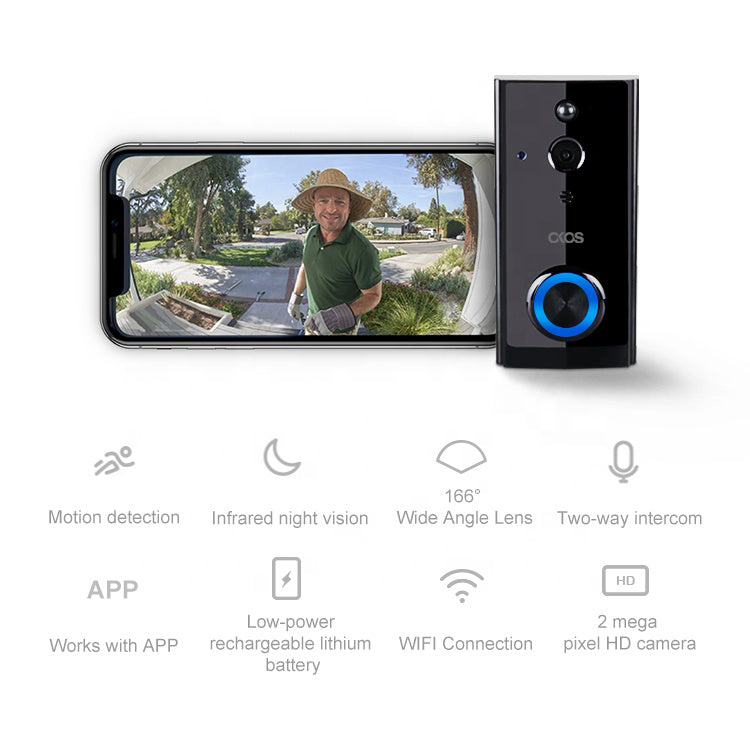
  • Okos video doorbell supports live remote monitoring and recording
  • Feed is directly sent to your phone.
  • Use the 2-way communication channel to talk to the person at door.

Stay Connected To Your Home All Day And Night

  • 1080p FHD camera with 166° field of view.
  • Excellent night vision due to 6 in-built IR LEDs.
  • Supports simultaneous output of dual streams, main stream highest resolution being 1920P * 1080P.
  • Equipped with 3.6mm HD fixed focus lens and IR dual filter.
  • Captures perfect quality images all day and night with night viewing distance reaching upto 26 feet.

Security At Your Voice Command

  • Okos smart security camera supports multiple devices to connect ranging from iOS/ Android to Windows systems.
  • With voice assistant support, just ask alexa or google home to stream real-time footage on your favorite device.
  • No need to create multiple accounts. One account can be used by many viewers.

Easy Installation

  • 3-step device setup.
  • Connect the camera to power source.
  • Open the downloaded Okos Smart App.
  • Okos Smart App finds the camera. Click Connect.

1 year warranty against any manufacturing defects.

FAQs

How do I pair a chime with the OKOS Ring Access?

Place the chime in pairing mode and then start the pairing process from the Ring Access doorbell according to the installation guide. Step-by-Step Instructions 1. Power on the chime. 2. Put the chime into pairing mode. 3. Press and hold the pairing button on the Ring Access doorbell. 4. Wait for the confirmation indicator or sound. 5. Test by pressing the doorbell button.

How do I reset the OKOS Ring Access doorbell?

Press and hold the reset button until the indicator light changes, then release the button. Step-by-Step Instructions 1. Locate the reset button. 2. Press and hold the button for approximately 5–10 seconds. 3. Wait for the indicator light to change or flash. 4. Release the button. 5. Wait for the device to restart. 6. Pair the device again in the OKOS Smart App.

The OKOS Ring Access is not powering on. What should I check first?

Power-related issues are often caused by loose wiring, incorrect voltage, or power supply failures. Checking the power source first can quickly identify the cause. Step-by-Step Instructions 1. Confirm the power supply is switched on. 2. Check all power wiring connections. 3. Verify the correct voltage is present. 4. Inspect cables for damage. 5. Look for any status LEDs on the device. 6. Restart the device if power is available.

Will the OKOS Ring Access work if Wi-Fi is not available?

Yes. The doorbell and paired chime will continue to work normally. However, mobile notifications, live video, remote unlocking, and control panel communication will not be available until Wi-Fi is restored.

Does the OKOS Ring Access support local storage and motion detection?

Yes. The Ring Access supports local storage using a memory card and includes motion detection for recording and visitor monitoring.

Your cart is empty

Continue shopping