


Okos Bullet 2MP Full HD Wi-Fi Security Camera
Couldn't load pickup availability


A focused view. A straightforward setup.
Give a chosen area a dedicated viewpoint. The Okos Bullet camera combines a clean wall-mount design with 2MP Full HD video, an 85° viewing angle and infrared support, connected through 2.4 GHz Wi-Fi and the OKOS Smart App.

A focused view of the everyday.
Choose a dedicated viewpoint with this wall-mount bullet-style camera. Test the view, power connection and Wi-Fi signal before final installation.

A focused point of view.
2MP Full HD video and an 85° viewing angle help you frame the chosen area. Infrared viewing is specified at 8–10 metres; results depend on placement and surrounding conditions.

Your Wi-Fi. Your view.
Use a 2.4 GHz Wi-Fi network and the OKOS Smart App on Android or iOS. External power is required; use the adapter supplied with the camera.

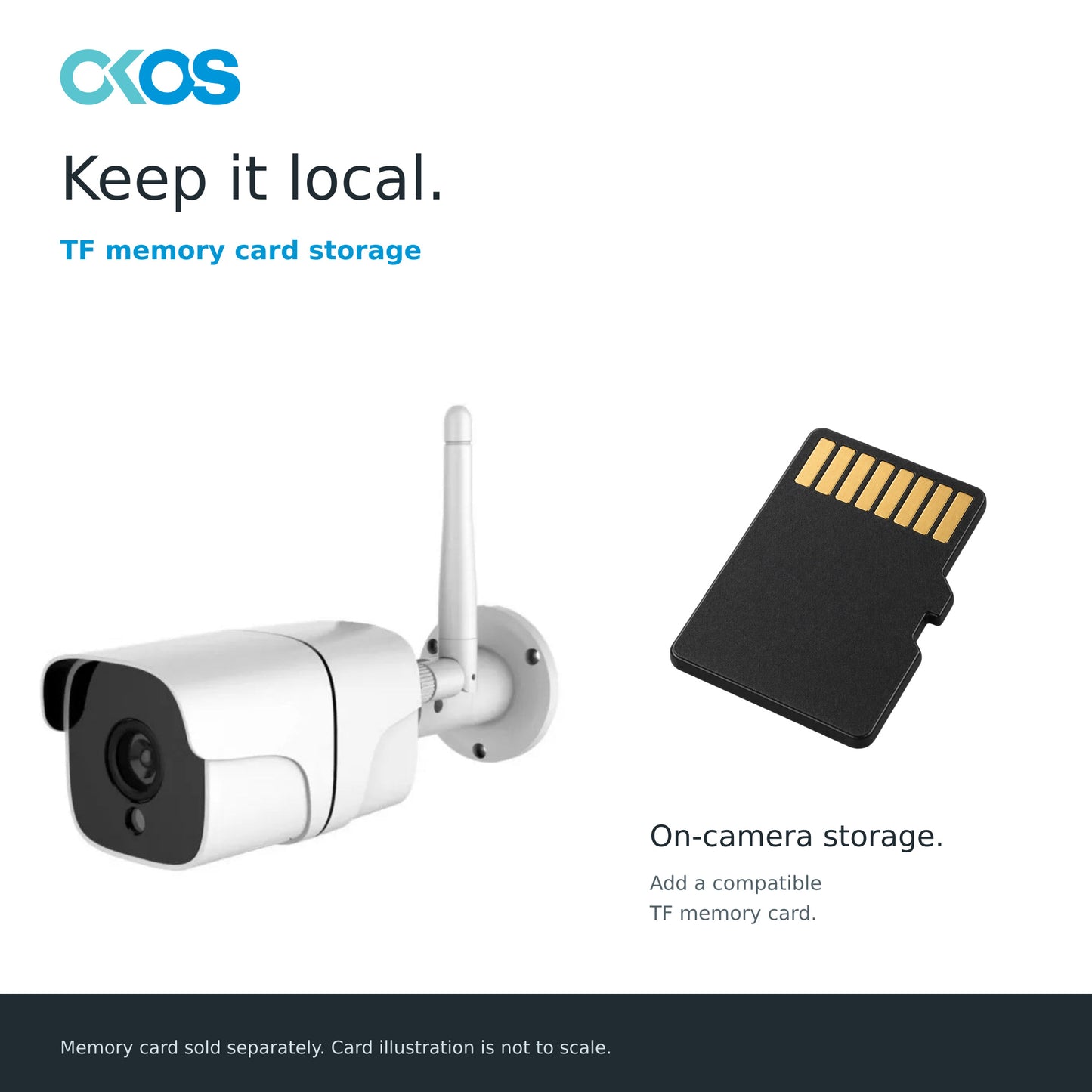
Keep storage close.
Add a compatible TF memory card up to 128 GB for supported on-camera storage. The memory card is optional and sold separately.
Product-in-context scenes are illustrative. Memory card sold separately. Placement, lighting and network conditions affect viewing results.
Why choose this camera
- Full HD detail: 2MP imaging with 1920 × 1080 resolution supports a clear, focused view.
- A defined viewing area: An 85° viewing angle helps you frame the area you want to monitor.
- Infrared support: The specified infrared distance is 8–10 metres for lower-light viewing.
- Local storage flexibility: Add a TF card up to 128 GB for supported on-camera storage. Memory card sold separately.
Technical details
| Design | Bullet-style wall-mount camera |
|---|---|
| Resolution | 2MP; 1920 × 1080 |
| Viewing angle | 85° |
| Infrared distance | 8–10 m |
| Wi-Fi | 2.4 GHz, 802.11b/g/n |
| App | OKOS Smart App for Android / iOS |
| Memory card | TF card up to 128 GB, not included |
Getting started
- Use the power adapter supplied with the camera.
- Prepare a 2.4 GHz Wi-Fi network and install the OKOS Smart App on your Android or iOS phone.
- Follow the camera’s supplied pairing instructions, then test the view and Wi-Fi connection before final placement.
- If you want local storage, use a compatible TF card up to 128 GB and follow the camera’s storage instructions. The card is not included.
In the box
- 1 × Okos Bullet Wi-Fi camera
- 1 × supplied power adapter
Memory card not included. Viewing results depend on placement, lighting and network conditions. Follow the supplied installation instructions.
1 year warranty against any manufacturing defects.
FAQs
Which app does this camera use?
Use the OKOS Smart App, available for Android and iOS. Follow the supplied setup instructions to pair your camera.
Which Wi-Fi network does it support?
This camera uses 2.4 GHz Wi-Fi with 802.11b/g/n support. Select a 2.4 GHz network when setting it up.
Is a memory card included?
No. A TF memory card is optional and sold separately. This model supports a card up to 128 GB.
Does it need a power adapter?
Yes. Use the power adapter supplied with the camera. The adapter is included.
Does it have infrared viewing?
Yes. The specified infrared distance is 8–10 metres. Actual visibility depends on the scene, placement and surrounding conditions.
Does this model pan or tilt automatically?
This listing does not specify motorised pan, tilt or automatic tracking. Choose the mounting position to frame the area you want to monitor.
What is the camera’s viewing angle?
The specified viewing angle is 85°.
What should I check before final placement?
Test the camera’s view, power connection and 2.4 GHz Wi-Fi signal at your chosen position before completing installation.
Where can I find pairing and reset instructions?
Use the instructions supplied with your specific camera and follow the OKOS Smart App’s setup guidance. Contact OKOS support if you need help identifying the correct procedure.